Fixed the emoji picker for tags, folders, workspaces, and cloud remotes coming up empty for new users
Local PDFs now open at any size, and a cloud PDF too large to preview offers to download first
Terminal tabs now take their name from the shell's title, and can be renamed from their right-click menu
Flies now asks before a workspace or a new split pane closes a terminal that is still running
0.2.10alpha
Split pane behaviour can be configured, and has a right click context menu.
PDFs can now run their pages in different orientations and in continuous or single page mode for presentaions
Code blocks in a markdown preview now have a copy button
0.2.9alpha
Cloud remotes can now be hidden from the sidebar in Settings
The terminal can now go full screen
Photos and videos can now be tagged with T, deleted with D, and restored with U
Cloud remotes can now be tested before saving, and signed back in to without removing them
Copying a folder onto one with the same name now merges them instead of adding a second copy
Properties now shows a folder's total size
0.2.8alpha
Added a welcome screen with last session, pinned folders, and saved workspaces when no tabs are opened
The text editor now has find and go to line, soft wrap, and an indent setting read from the file itself, with a caret readout, word count, and line endings in the status bar
Images can now be optimized from the right-click menu or the viewer
Camera raws now open in the viewer at their full sensor resolution, with support for HEIF, TIFF, and JFIF
0.2.7alpha
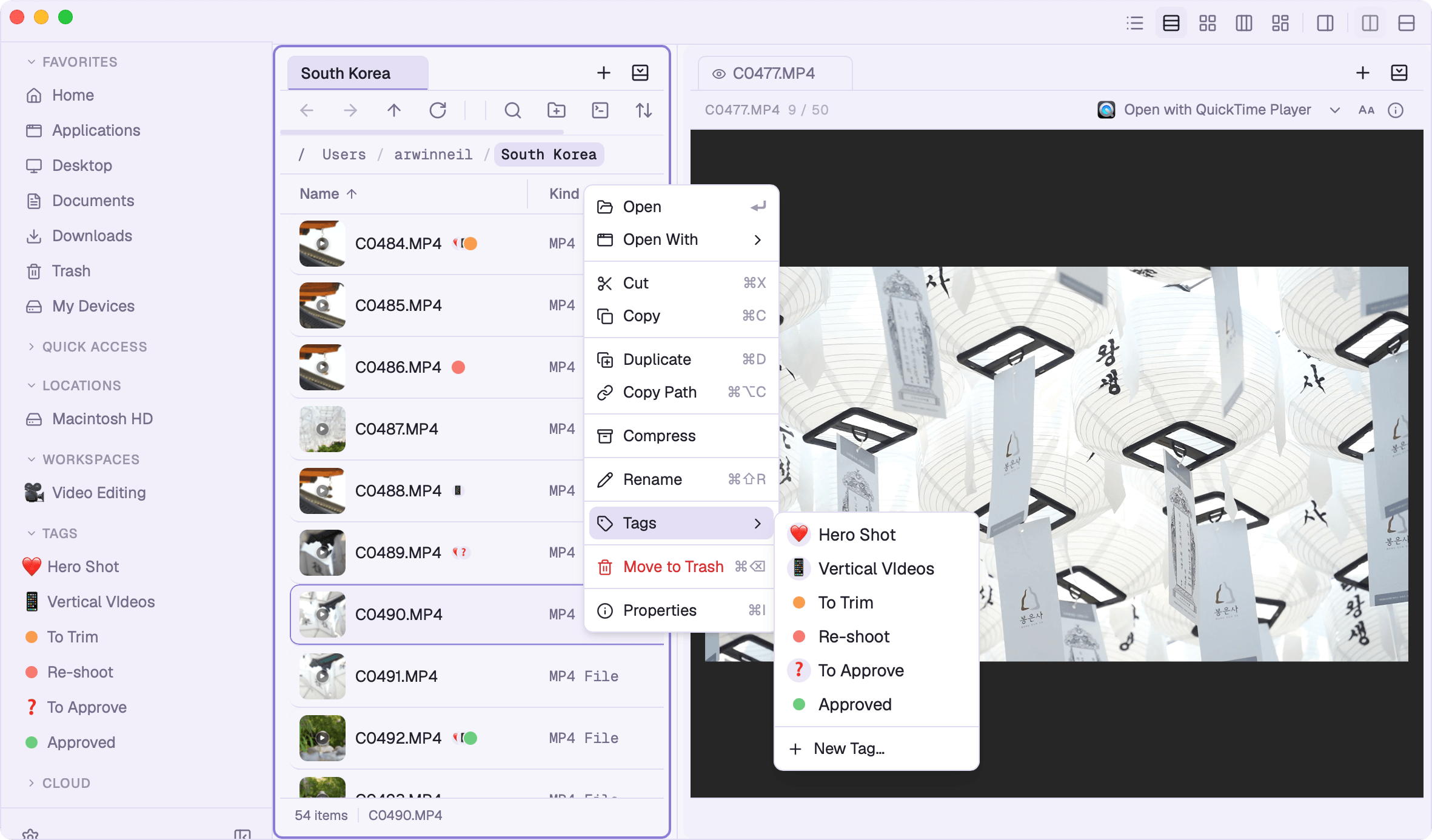
Added tags, giving files a color or emoji dot in every view with optional syncing to Finder's tags
Tabs now have a right-click menu, for moving one to the other pane, swapping the two panes over, or closing the rest
0.2.6alpha
Added Workspaces to save tabs and panes in current session
Improved security and stability
0.2.5alpha
Added Cloud Storage, connecting Google Drive, Dropbox, S3, WebDAV, and 16 other providers
Photo and video previews can now go full-screen
The terminal can now switch to dark mode irrecpective of current theme
0.2.4alpha
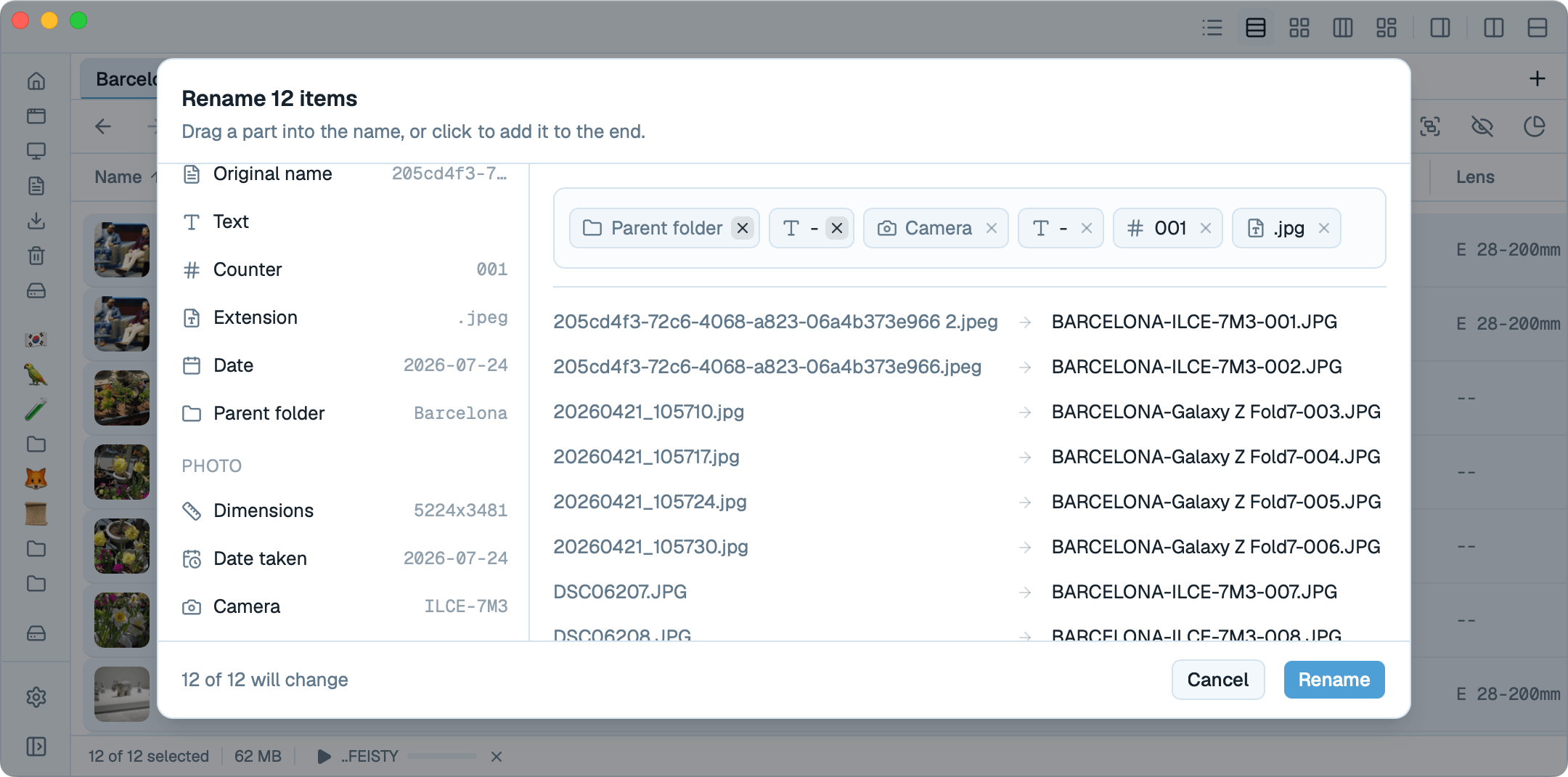
Added batch rename, building a new name from details like the camera model or a track's artist and album
Added an Open With menu for picking which app a file opens in
The text editor now has multiple cursors, code folding, and a markdown formatting toolbar
Audio now plays from any view, and answers the keyboard's media keys
The photo viewer can now remove an image's background, powered by onboard Mac VisionKit
Password protected zips can now be extracted
0.2.3alpha
Tabs can now be dragged from one pane to the other
The terminal now takes files and images pasted or dropped into it
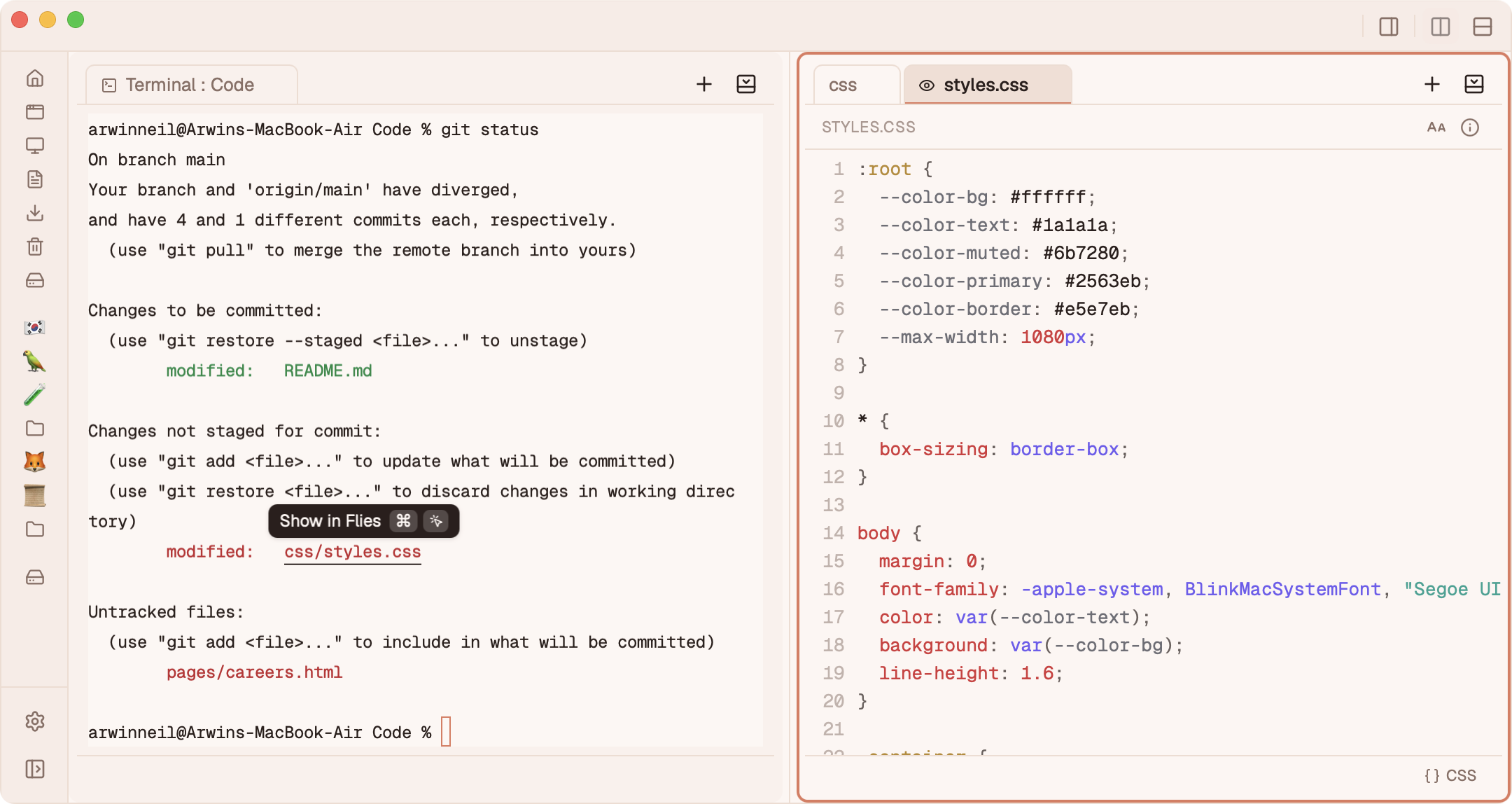
Paths in terminal output are now ⌘-clickable, opening in a new tab
PDFs and 3D models can now open in Flies
Every file now shows its real macOS icon instead of a generic glyph
Files can now be grouped by extension, not just kind
0.2.2alpha
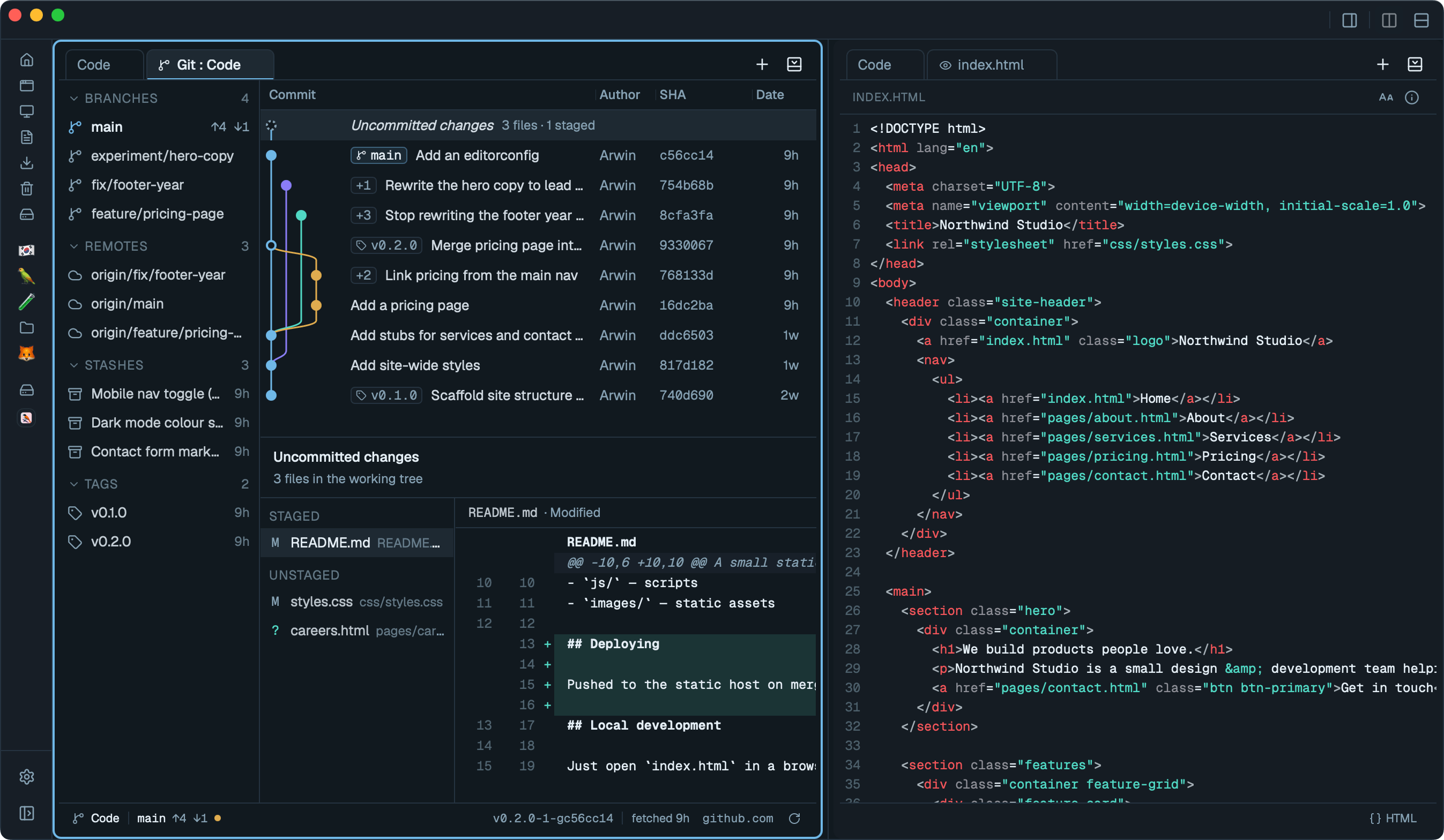
Added a Git view, opening any git repository with a commit graph, branches, tags, remotes, stashes, and diff for a selected commit
Text files can now be edited in a new built-in file editor, with syntax highlighting support for 100+ languages
Added a built-in terminal, launchable from any directory
Search results now show the source directory of hits
Flies can now handle "Reveal in Finder" requests from other apps
Finder's "Open in Flies" and "Show in Flies" context menu items no longer need any installation
0.2.1alpha
Improved search experience, with filters that can now be combined, excluded, and matched by size, date, or extension
Added "Open in Flies" and "Show in Flies" to Finder's right-click menu, installable from Settings
Settings can now be searched, filtering to and highlighting matching options
0.2.0alpha
Internal architecture rewrite and performance improvements
Files can now be grouped by camera, lens, focal length, aperture, and ISO
Distribution of files by group can be visualised with a bar chart
Redesigned the sort and group menus, with sort direction always in reach
Text, code, and markdown previews can now copy the selected text from a right-click
0.1.13alpha
Images and video on MacOS can now default to opening in Flies
Added video preview with frame counter, and frame-snapshot capture
Added keyboard shortcuts for pane navigation and splitting
Added folder autocomplete suggestions to the path bar, with custom folder icons
Image preview now surface exposure mode, metering, focal length, and color space
Menu bar is now feature complete
0.1.12alpha
Added an image viewer, with zoom, an info panel, and an RGB histogram
Added syntax highlighting and line numbers to code blocks and code previews
Added custom app icons for unrecognized project files, instead of a generic file glyph
The clipboard list can now be inspected from the status bar
Added a Summer accent theme
0.1.11alpha
Complete settings overhaul
The toolbar, view modes, sidebar, status bar, and behavior can now all be customized in Settings
Keyboard shortcuts can now be fully customized. A key already assigned to another command can't be reused until it's freed up
Option to single-click to open folders.
Settings can now set a custom startup folder, with autocomplete, validation, and quick-pick suggestions
0.1.10alpha
Added zip/7z/rar compression and extraction, with progress, speed/ETA
The preview panel can now pop out into its own full tab
Current directory can be opened in terminal with a ⌘` shortcut
The 3D model viewer now plays embedded animation clips
3D models can now be previewed
Added a click-to-compute SHA-256 checksum to the Properties pane
Added Forward, Up, hidden-files, close-pane, and copy-path shortcuts
0.1.9alpha
Spacebar now opens files: a quick, independently resizable preview panel for markdown and PDFs, or the default app for everything else
Added an adjustable text size for the Properties pane and preview content
Added Trash management, with a confirmation guard on permanent deletes
⌘-drag now copies instead of moving, without a confirmation prompt
Fixed drag-and-drop from thumbnails and stray highlights across panes
Per-folder view changes no longer affect other panes
The update toast now opens the Updates settings tab, and the download progress bar no longer flashes
Added an edit hint to the folder icon in Properties
0.1.8alpha
Added a Miller/column view with drill-down columns
Fixed the properties panel jumping between panes and missing deep Column-view selections
Eject now fully detaches disks, with a correctly-confirming toast
Split buttons now disable and show the active direction
Enlarged the row icons in List and Details view
0.1.7alpha
Added a Model view for 3D files (glTF/GLB, OBJ, FBX, STL, PLY, DAE, 3DS), with drag-to-orbit and solid/wireframe/surface-angle shading
Music playback now stays in the pane that started it, even across splits and pane closes
The Music view now shows up for a single track too, not just folders with six or more
0.1.6alpha
Added a Music view for folders with lots of audio, with waveform playback, click-to-seek, and BPM/artist/album detection
Music now keeps playing across tab switches, with a status bar mini-player and a now-playing tab icon
Added an About panel to Settings, and a slide-in animation for the magazine view icon
Renaming a file or folder now updates everywhere it's referenced, instead of orphaning thumbnails, playback, tabs, and search results
Added a `flies <path>` command to open folders from the terminal, installable from Preferences
0.1.5alpha
Added a right-click menu on the Details view column header to choose which columns are shown
Added optional Date Created, Date Taken, Dimensions, Duration, Camera, Lens, Focal Length, Aperture, Exposure, and ISO columns
Photo/video metadata columns only show up in folders with enough media to be worth it
Smoother animations when dragging to reorder Details columns, sidebar items, and tabs
0.1.4alpha
Moved the New Folder button into the sort/group/search toolbar cluster
Added keyboard-shortcut hints to more toolbar tooltips
Gave the Properties panel a sliding open/close animation
Added an in-app changelog with a download progress bar to Settings > Updates
 Flies
Flies