View anything without leaving the folder.
New ways to see and work with your files. Hit Space to see 3D models, PDFs, camera raws, waveforms and code in 100+ languages, all in a resizable panel.
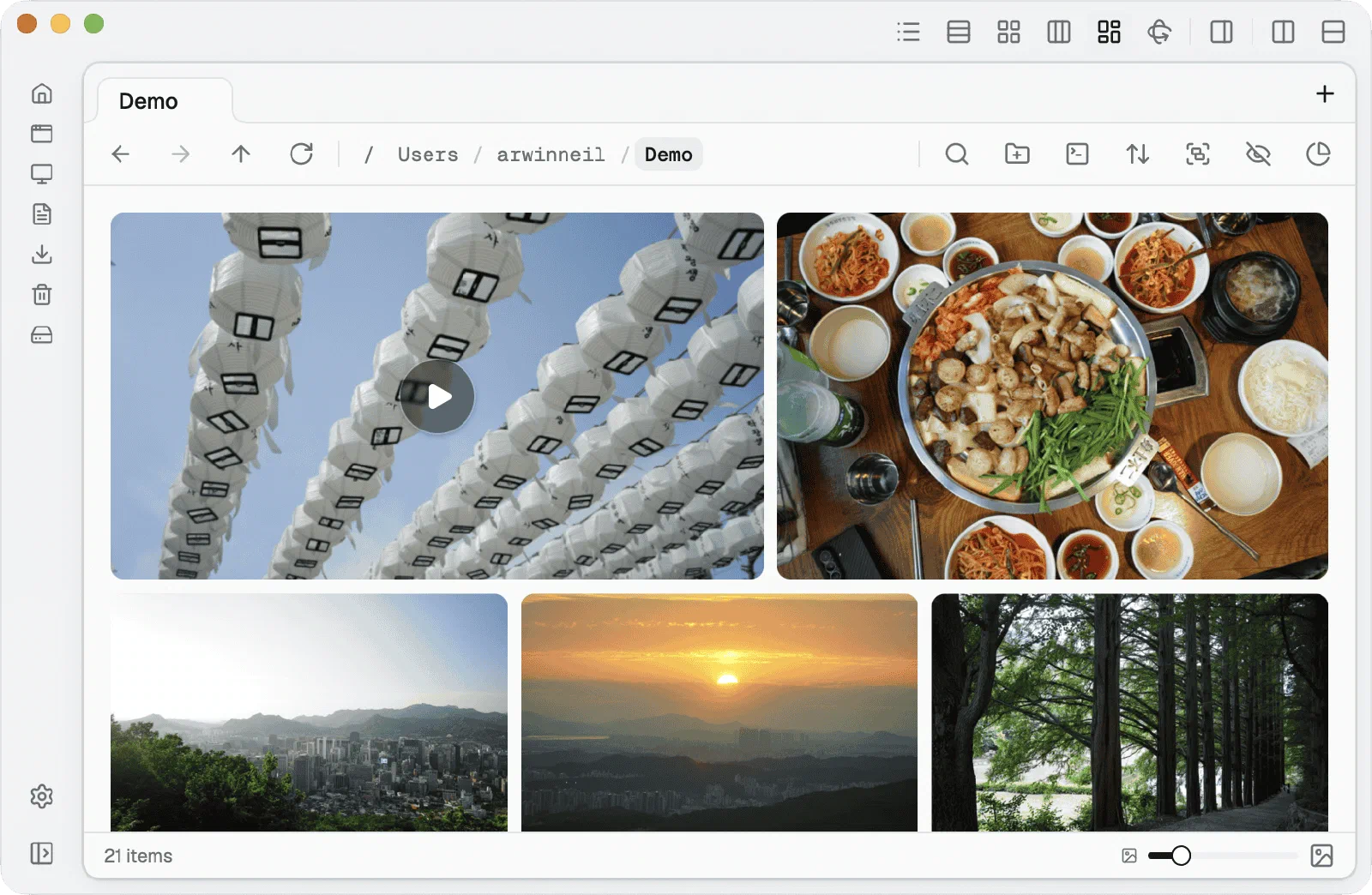
Preview, edit, run and sync without ever leaving the folder you're in.
Free license for early beta testers.
Flies is a Mac app. Open this page on your Mac to download it.
3.0.1beta · Apple Silicon
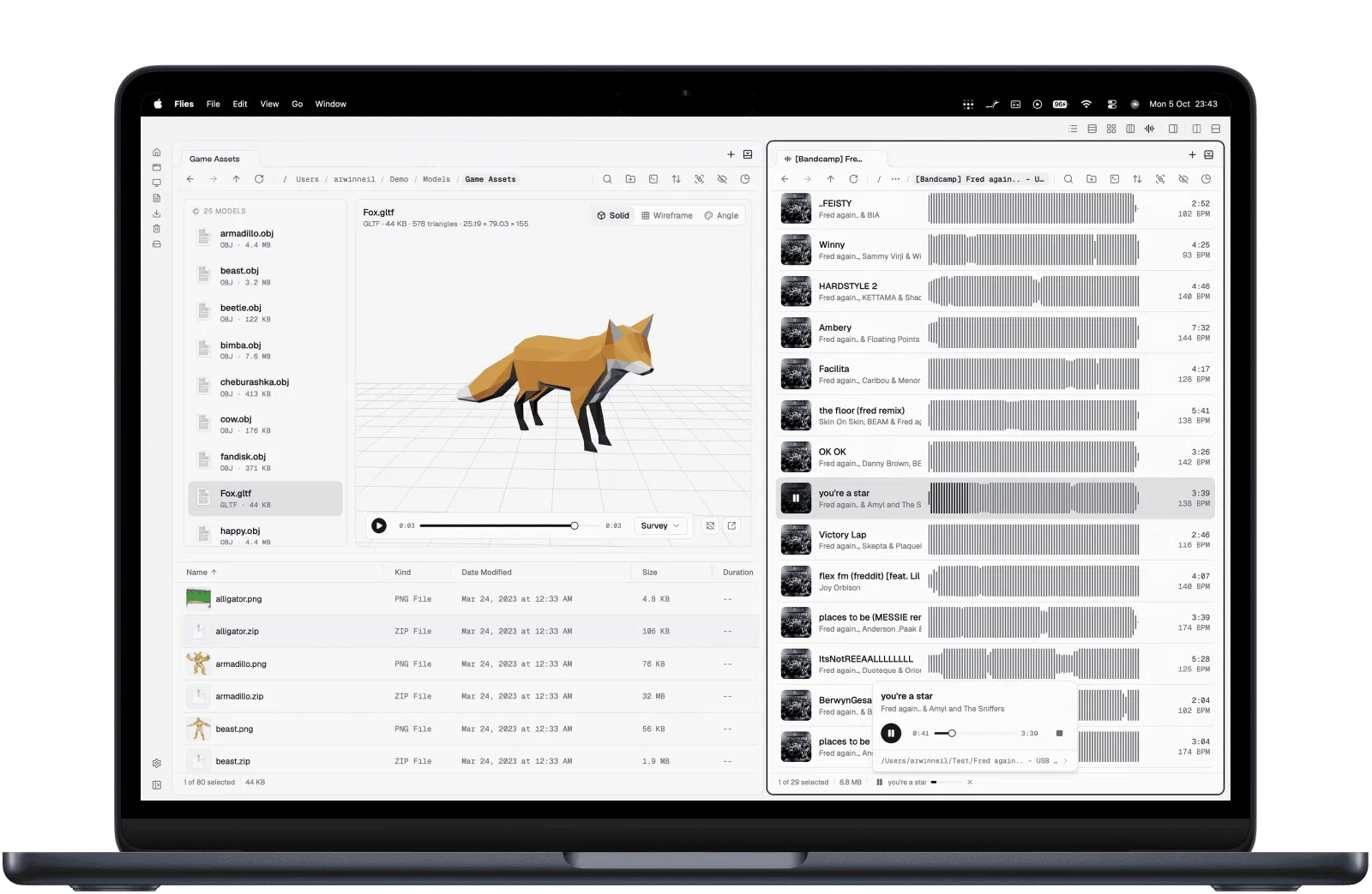
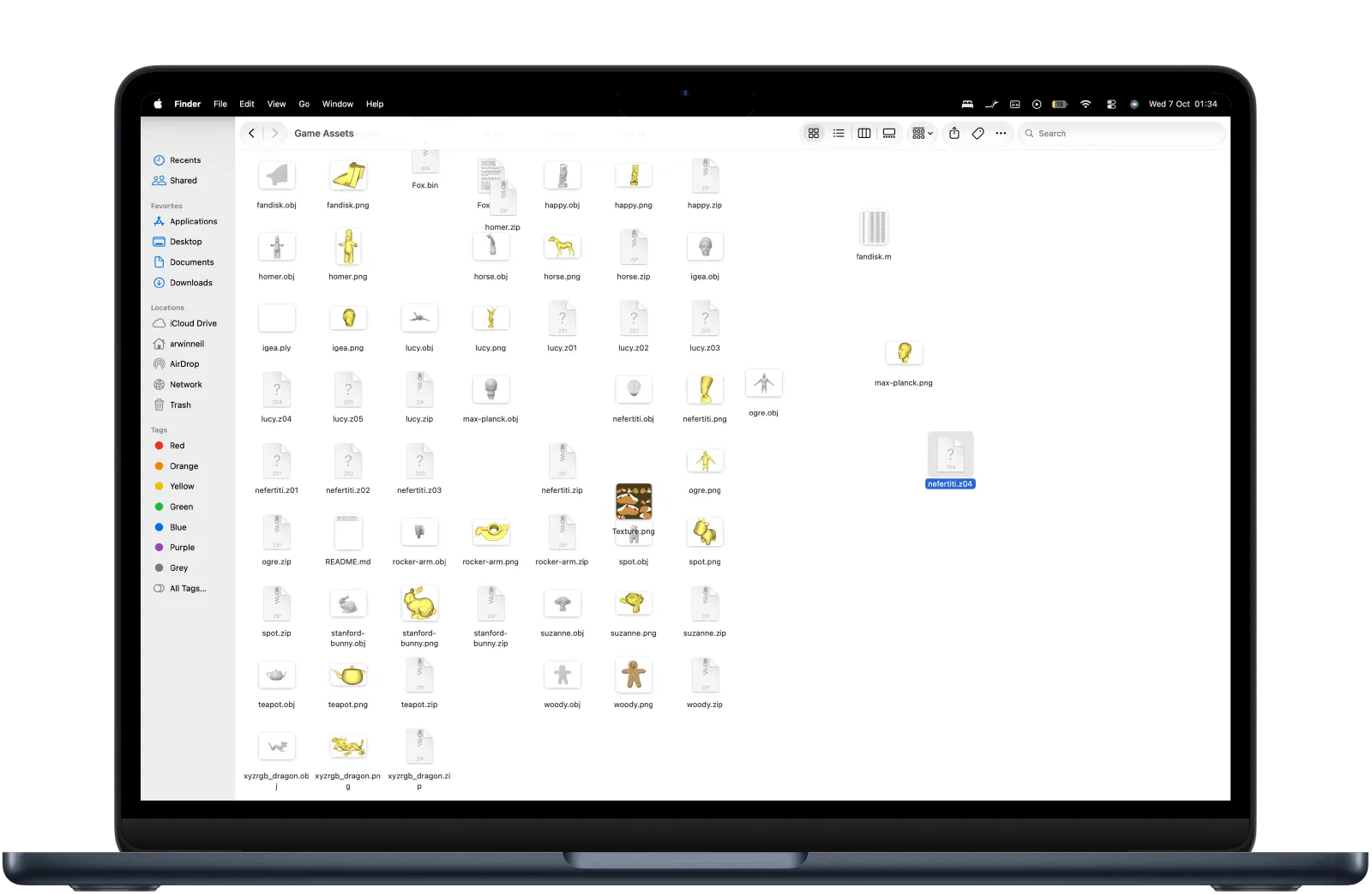
New ways to see and work with your files. Hit Space to see 3D models, PDFs, camera raws, waveforms and code in 100+ languages, all in a resizable panel.
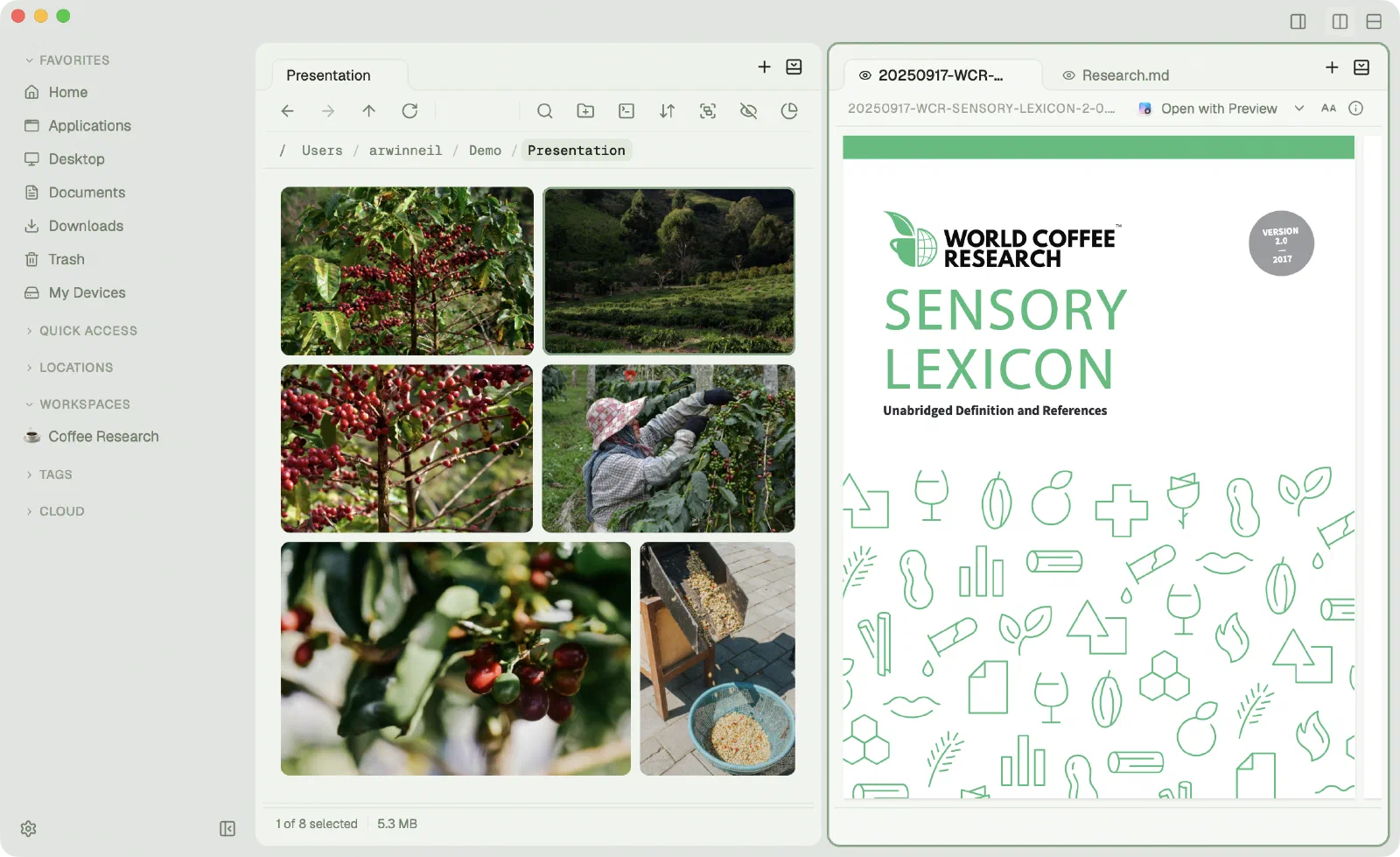
Save your open tabs and split panes as a workspace, give it a name and an emoji, and it is here for whenever you need it.
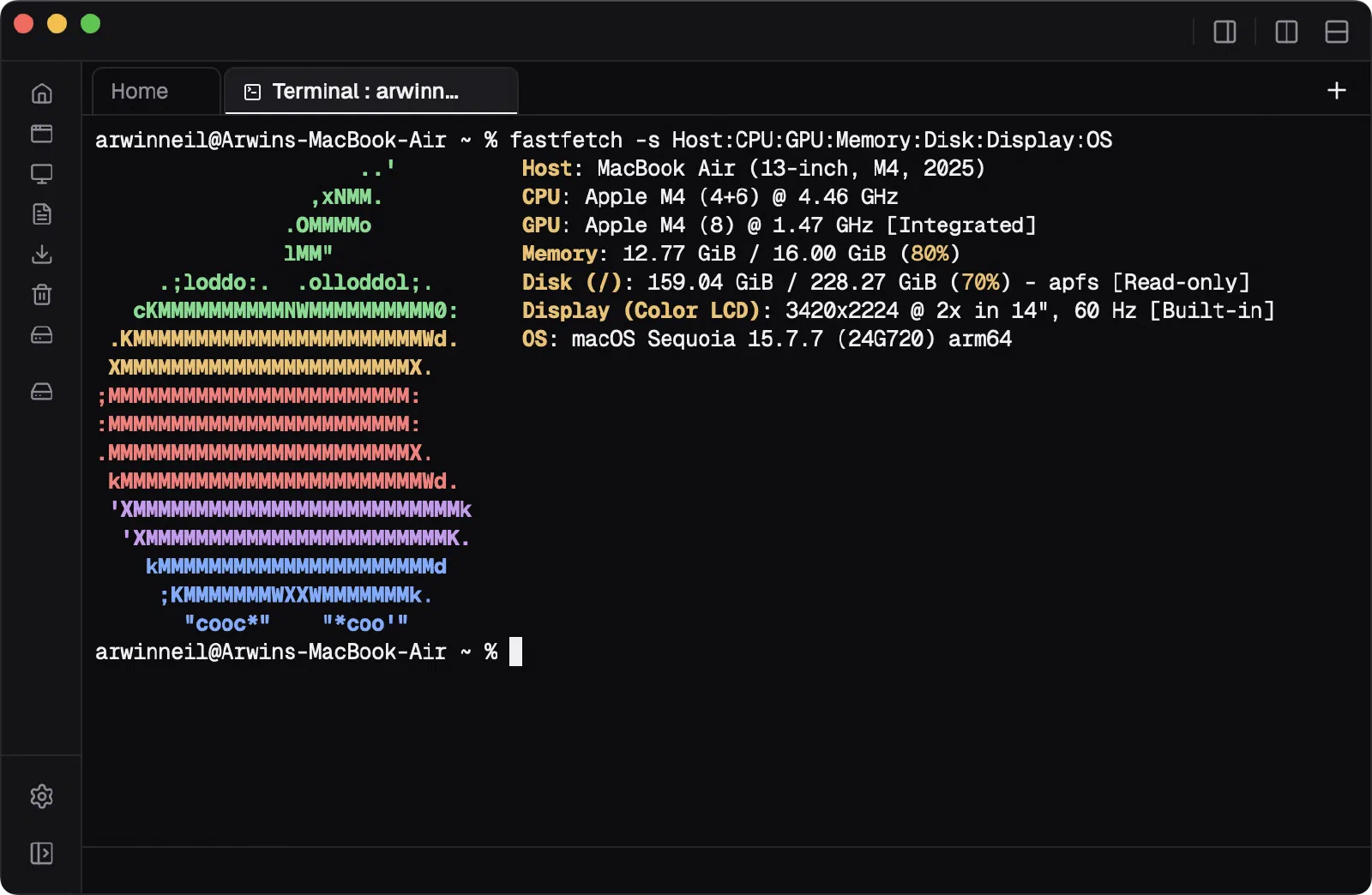
⌘ ` opens one where you're standing. Paths in its output are ⌘-clickable, files can be dropped straight in, and it goes full screen when you need the room.
Pick a phone, tablet or laptop on your network and send, with no cables or accounts. Scan the QR code to connect a phone.
Also works in the browser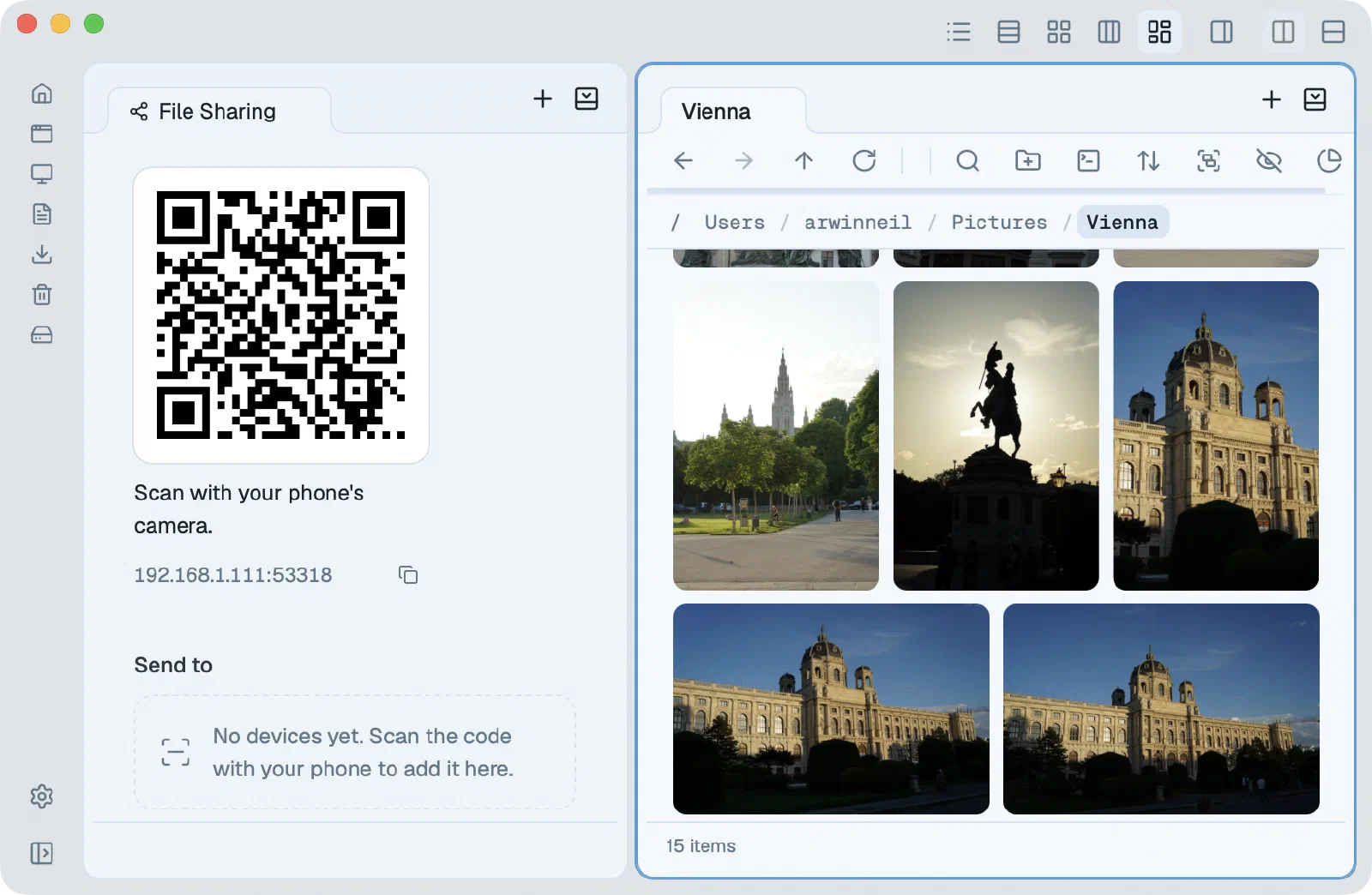
Keyboard
Type to jump to a file, move around with the arrow keys, and rebind any key to match the muscle memory you already have.
Cloud drives
Browse, preview and copy files on your cloud drives like they were local. SFTP, SMB and WebDAV too.
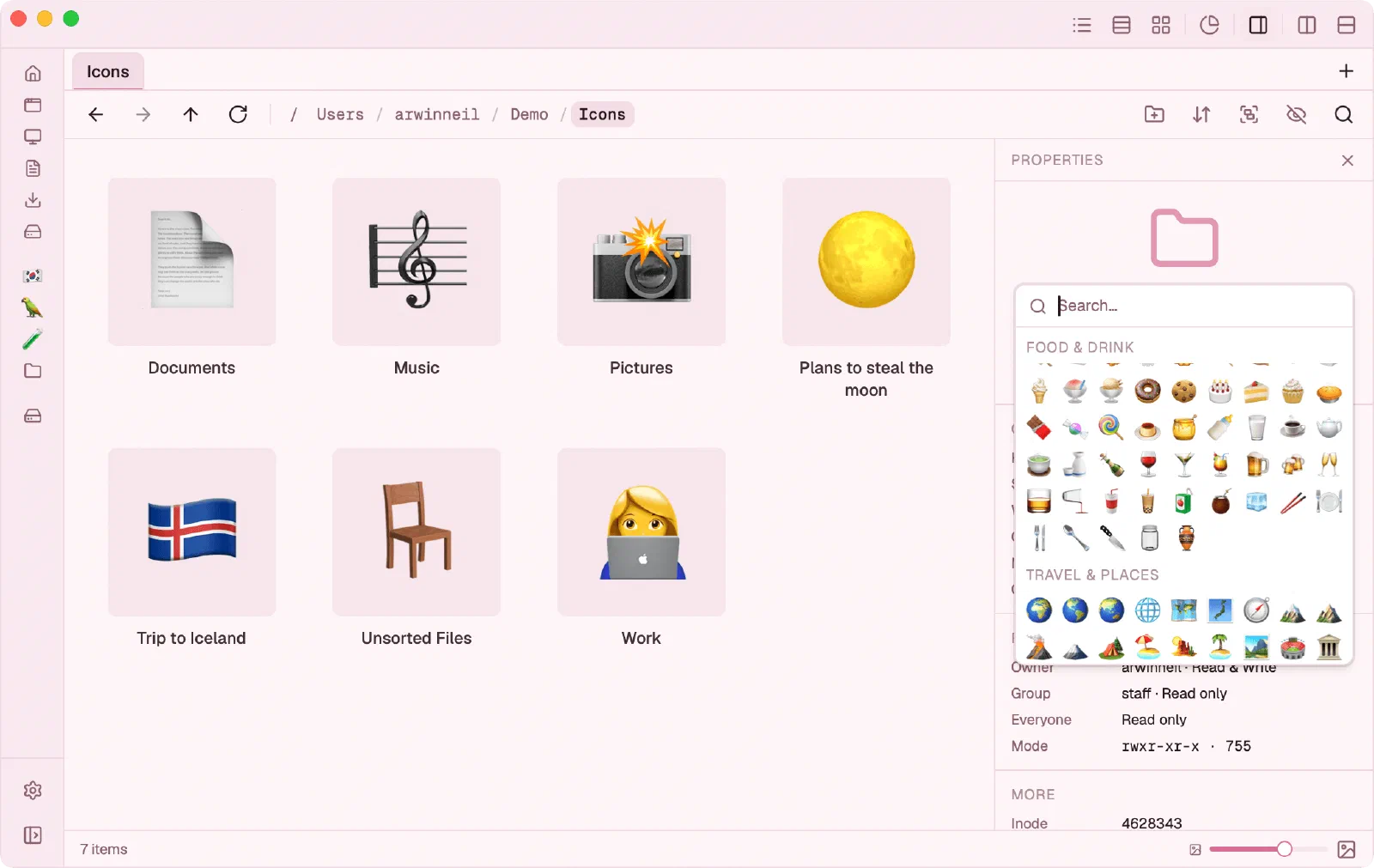
Choose a theme and give any folder an emoji you'll spot instantly.
Keep using your other apps the way you already do. Reveal in Finder opens here, and so does flies . in Terminal.
Changelog
Flies is a Mac app. Open this page on your Mac to download it.
Apple Silicon · free beta licence, requested in the app